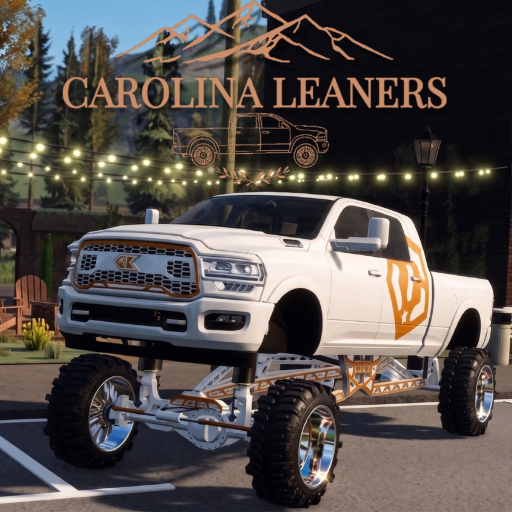
Carolina Leaners Tools
Interactive Carolina Leaners tools: a stance planner for lift, squat, and slam, plus a code checker for REVAMP, LEANIN, and BAGS.
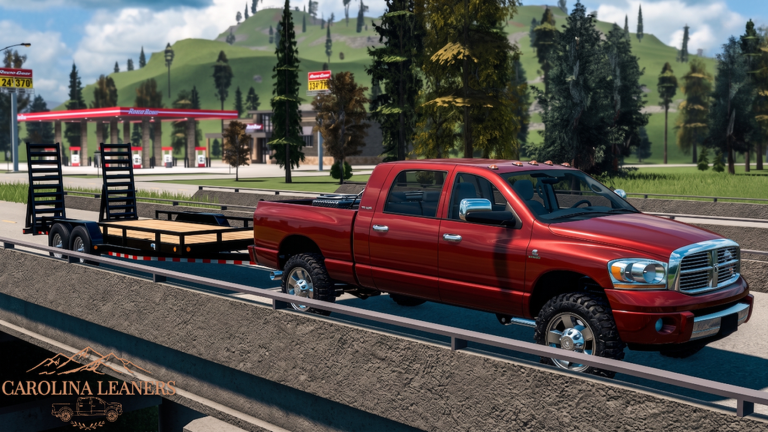
Two mistakes, two tools
Players waste nights in Carolina Leaners in two boring ways. They drop a truck into a stance that cannot survive the map they actually drive, or they mistype a code and convince themselves the drop is dead. The stance planner and the code checker exist so those nights get shorter.
Neither tool injects Roblox. They run here, in the wiki, with the same silhouette language as builds and the same strings as codes. Use them before the garage and before the giftbox.
Stance planner in one paragraph
Front lift, rear drop, tire height. The silhouette tells you if you are building a lift, a Carolina squat, or a low race slam. The advice line tells you whether 4x4 and TCS should be in your head. Then go test on farms or stay on pavement. Deep usage notes live on the planner page.
Code checker in one paragraph
Paste REVAMP, LEANIN, BAGS, or a rumor. The checker compares against the active list on this wiki. A match means go to the giftbox path. A miss means do not argue with the UI for ten minutes. Weekly strings move; recopy from weekly drops when a shout lands.
What these tools are not
They are not scripts. They are not a Trello. They are not an official developer panel. They will not start your engine. F and L still live on controls. If you want a first-night order of operations, that is still how to play.
Frequently asked questions
Quick answers players actually search after the revamp.
Which tool should I open first?
Code checker if you have a string in clipboard. Stance planner if you are about to spend Cash.
Does the planner change my Roblox truck?
No. It is a silhouette sketch. You still customize in-game.
Is the checker always live?
It matches the wiki list. When a weekly drop lands, we update codes and the checker follows.
Any other tools?
Not yet. Binds stay as a chart on controls instead of a fake overlay.